Goals
A daily target that's actually yours.
Enter your height, weight and pace once. SnapCal calculates a daily calorie goal and shows how much is left after every meal.
560
kcal left
1,240 / 1,800 kcal
AI calorie counter
Point your camera at any meal. SnapCal recognizes each food, pins its calories right on the photo, and logs carbs, protein and fat for you.
Free to download · Premium optional
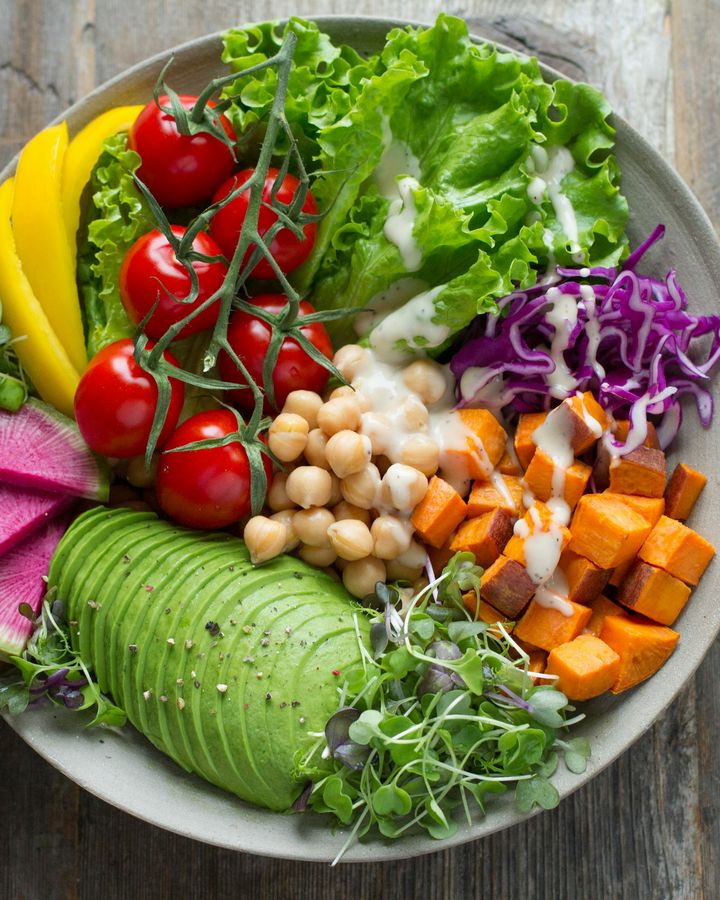
Total
433kcal
Try it now
Upload a food photo and see what SnapCal finds — no install needed. Start your real log in the app.
The web demo works a little differently from the app. Your photo is analyzed and not stored.
How it works
Take a photo or pick one from your gallery. No barcodes, no kitchen scale.
AI finds every food on the plate and pins its calories on the photo.
Adjust a portion or add a missing dish, then save it to your day.
Beyond the photo
Ate something you didn't photograph? Describe it in a sentence or by voice.
Eating out? Photograph the menu and see estimated calories before you order.
Snap your fridge and get recipes that fit your calorie target.
Track intermittent fasting windows and get a reminder when they end.
Log water and weigh-ins next to your meals to see the whole picture.
Every meal by day and week, in one calendar with simple charts.
Set your allergies and diet once. Foods that may contain them get flagged right on the result.
Loved what you ate? Get the recipe and order the ingredients in a tap.
See calories left, your week and a live fasting timer right on your home screen, on iPhone and Android.
Pick from 10 handwritten diary styles to dress up a meal photo, then share it.
On iPad and Android tablets, a wide layout puts your log, charts and recipes side by side.
On the same Wi-Fi, open your meal log in a computer browser to view or export it, protected by a password.
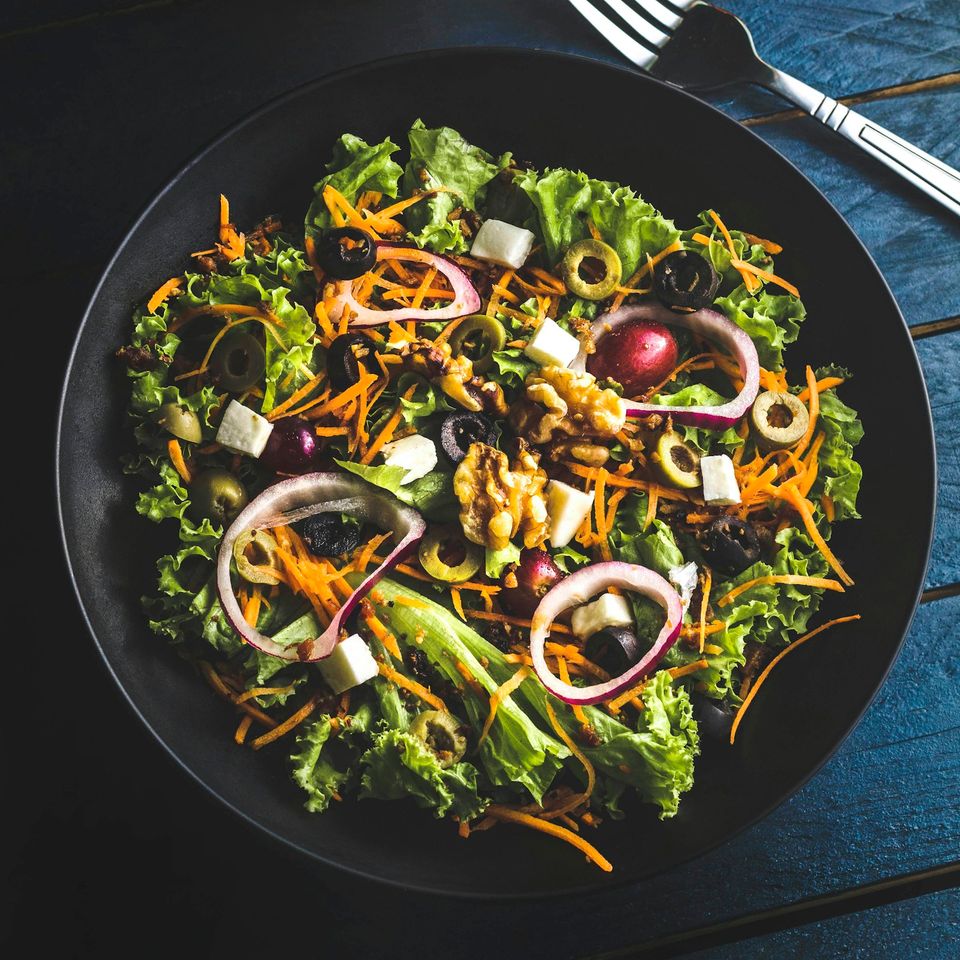
Nutrition
Every food comes with carbs, protein and fat, totaled for the meal and for your day, so you can see what's actually on your plate.
Goals
Enter your height, weight and pace once. SnapCal calculates a daily calorie goal and shows how much is left after every meal.
560
kcal left
1,240 / 1,800 kcal
Share
Turn any meal into a share card with calorie labels in your own colors, ready for Instagram or a group chat.
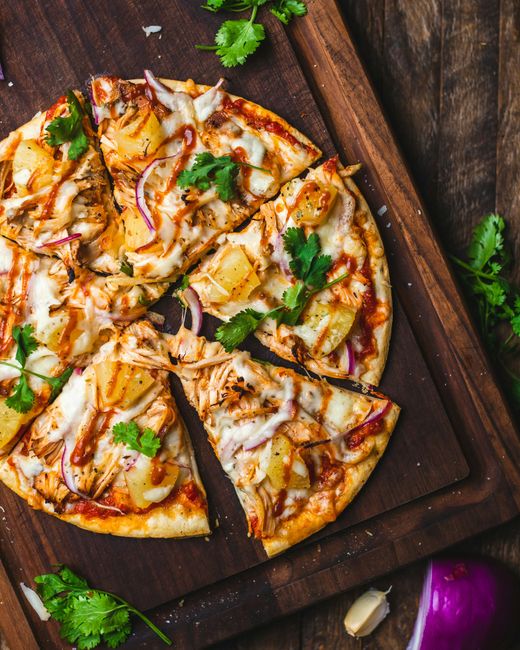
 SnapCal 285 kcal
 From Korean to Arabic, menus, results and food names follow your language.
Meals are stored on your device. Photos are sent only for analysis and aren't kept on our servers.
Privacy PolicyOpen the app and take a photo of your food. AI automatically recognizes the food and displays calories on the image. Tap labels to view detailed nutrition info.
Yes, AI recognizes multiple foods simultaneously and displays calories for each. Total calories can be viewed at the bottom.
This app provides AI estimates. It's useful for approximate calorie tracking, but please consult a nutritionist for precise dietary management.
Basic features are free. Premium features like unlimited analysis and detailed reports are available through subscription.
Yes. On iPhone and Android you can add widgets for calories left today, this week at a glance, and a live fasting timer. Tap a widget to jump straight to the camera or the fasting tab.
Yes. SnapCal has a layout made for iPad and Android tablets. You can also open your meal log in a computer browser on the same Wi-Fi network to view or export it; access is protected by a password.
Free on iPhone and Android.